

.avif)


Quick Look: Top Mobile Procurement Tools
1. Spendflo: AI-native platform for intake-to-procure automation and real-time pricing benchmarks.
2. Coupa: Enterprise-grade system for spend visibility, policy enforcement, and budget tracking.
3. Procurify - AI-powered spend control for mid-market teams, all in one platform.
4. Precoro: Flexible tool for purchase orders and budget management for mid-market teams.
5. Kissflow: Mobile-friendly, no-code workflow builder for requisitions and approvals.
What is Mobile Procurement Software?
Mobile procurement software is a digital tool that enables businesses to manage their purchasing activities through mobile devices. It offers features like order creation, approvals, vendor communication, and spend tracking - all accessible from smartphones or tablets, making procurement flexible, faster, and more responsive.
Why is Mobile Procurement Important
Procurement teams no longer operate from behind desktop screens. Decisions can’t wait, especially in fast-paced industries where timing impacts everything from delivery schedules to vendor negotiations. Delays in decision-making can also ripple through the supply chain, causing missed deadlines or stockouts.
Mobile procurement empowers teams to respond quickly - whether it’s approving a PO, rejecting a duplicate request, or accessing supplier data on the fly. This agility plays a crucial role in efficient spend management across departments.
It also bridges the gap between office-bound systems and real-world procurement needs. When team leads, department heads, or finance decision-makers are out of office, procurement shouldn’t stall. Mobile procurement tools also help reduce disruption across the supply chain by enabling faster, location-agnostic approvals. Mobile access ensures smooth collaboration, faster cycle times, and better compliance with internal processes - regardless of where users are working from.
Key Benefits Of Mobile Procurement Software
Mobile procurement isn’t just about convenience - it’s about transforming how teams work, communicate, and make decisions. Here are the key benefits that make it indispensable today.
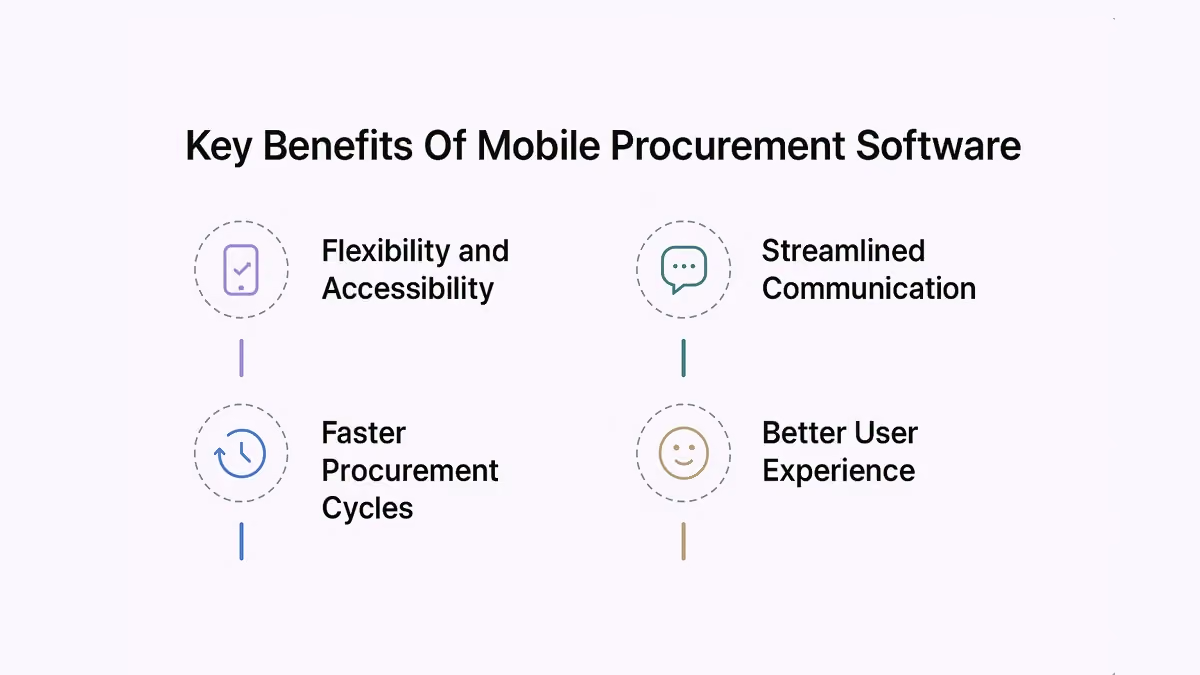
1. Flexibility and Accessibility
With mobile access, procurement teams can manage approvals, check order status, and monitor spending anytime, anywhere. It keeps workflows moving, even when team members are traveling or working remotely.
2. Streamlined Communication
Mobile apps centralize vendor messages, notifications, and updates. Teams can chat, approve, or clarify issues instantly - no more waiting on long email threads or missed calls. Some platforms also offer a supplier portal, allowing vendors to submit documents, track order status, and communicate directly with buyers.
3. Faster Procurement Cycles
By cutting down approval delays and manual interventions, mobile procurement accelerates the entire purchase order lifecycle. This agility plays a vital role in supply chain management, where delays in approvals can ripple through logistics and delivery schedules. Approvals that once took days can now happen in minutes. Having access to live spend data during these approvals helps maintain budget control and accountability.
4. Better User Experience
Modern mobile interfaces are intuitive, making procurement tasks easy for non-technical users. This ease of use is especially helpful when submitting and managing purchase requests from the field. This boosts adoption, reduces training time, and helps ensure everyone stays aligned on purchasing processes.
Top Mobile Procurement Software Solutions
Choosing the right mobile procurement software is about more than ticking boxes - it’s about finding a solution that aligns with how your teams work and how your business grows. A strong procurement management software should support not just mobile access, but also end-to-end control over the entire procurement lifecycle.
1. Spendflo
Rating: 4.6/5 (140 reviews) · G2 Recognized · AI-Native Procurement & SaaS Management Platform
Spendflo is an AI-native procurement platform that helps modern companies manage how they buy, manage, and pay for software and services. Built for fast-growing and mid-market organizations, Spendflo centralizes procurement operations by connecting procurement, finance, IT, and security into a single system of record. The platform replaces fragmented processes across email, spreadsheets, and disconnected tools with one unified procurement operating layer.
It provides automated intake-to-procure workflows, vendor onboarding, contract and agreement management, and real-time spend visibility. AI-powered document intelligence extracts contract metadata, tracks renewal timelines, and monitors vendor performance.
Top 5 Features
- AI-Powered Document Intelligence - Automatically extracts contract metadata, tracks renewal timelines, and monitors vendor performance to reduce manual contract management effort.
- Vendor Negotiation Support - A dedicated team of expert buyers handles contract negotiations and renewals on behalf of users, driving real cost savings with minimal client effort.
- Intake-to-Procure Workflow Automation - Automated end-to-end procurement workflows that eliminate manual bottlenecks and accelerate purchasing decisions across teams.
- Contract & Renewal Management - Centralized platform to manage all vendor contracts, track renewal dates, and consolidate SaaS subscriptions in one place.
- Real-Time Spend Visibility - Dashboards and insights that provide finance-grade control over vendor spend, with spend forecasting and peer benchmarking capabilities.
Pros
- Ease of use - Centralized dashboard praised for being structured and accessible to all stakeholders, with a smooth onboarding experience.
- Outstanding customer support - The support team is consistently highlighted as responsive, proactive, and highly effective in managing renewals and queries.
- Expert negotiation skills - The Spendflo team is knowledgeable and professional in negotiating prices across industries, delivering measurable cost savings.
Cons
- Inefficiency in some processes - Assignment of representatives can feel inconsistent; some workflows still require manual follow-ups for edge cases.
- Inadequate reporting - Reporting capabilities are not as beneficial as expected; dashboard interactivity and user-level reporting need improvement.
- Integration issues - Integrations are not always fully automatic; some tools, like SAP, are unsupported, requiring manual intervention for data sync.
2. Coupa
Rating: 4.2/5 (561 reviews) · G2 Listed · Leading Spend Management Platform
Coupa is the leading spend management platform built to help companies take control of their spend and position their business for resilience and growth. The platform centralizes requests and approvals, AP automation, vendor management, and global payments into a single unified system. It provides a guided buying experience that makes it easy for employees to find what they need and route requests to the right approvers.
Coupa automates and scales accounts payable with multi-level invoice validation, dynamic approval workflows, and full mobile access. It integrates easily with ERP systems to accelerate financial processes, ensure compliance, and give everyone in the organization a unified way to make smarter purchases.
Top 5 Features
- Requests & Guided Buying - Centralized, intuitive buying experience that guides employees through purchases and routes requests to the right approvers automatically.
- AP Automation & Invoice Management - Automates accounts payable with multi-level invoice validation, dynamic approval workflows, 3-way matching, and the ability to copy and create invoices directly from the inbox.
- Expense Management - Streamlines expense reporting with mobile receipt capture, auto- population of purchasing card transactions, and full visibility for managers.
- Vendor Management - Integrated vendor onboarding and management solution that allows vendors to self-service and eliminates silos between vendor management and accounts payable.
- Global Payments - Fast, secure global payments platform that enables organizations to maximize rebates, manage working capital, and automate reconciliation all in one place.
Pros
- Ease of use - Users find processing in Coupa straightforward, with all details viewable on a single screen and PO creation easy from start to finish.
- Spend visibility & control - Easily track purchases, approvals, invoices, and expenses all in one place instead of juggling multiple systems or spreadsheets.
- Automation saves time - Features like 3-way matching and expense approvals move smoothly, reducing manual follow-up and improving overall procurement efficiency.
Cons
- Not user-friendly for vendors - Suppliers find the portal confusing and difficult to navigate, particularly when submitting invoices, which can delay transactions.
- Poor interface design - The UI feels outdated across several tabs, navigation between modules can be slow and clunky, and the mobile app experience is less smooth than the desktop version.
- Steep learning curve - New users take time to get comfortable with navigation; error messages can be vague, and the experience is not always consistent across modules.
3. Procurify
Rating: 4.6/5 (332 reviews) · G2 Recognized · #1 Mid-Market Purchasing Software
Procurify is the leading AI-powered procurement, accounts payable (AP), expense, and payment platform designed for mid-market organizations. Managing over $100B in spend, it empowers businesses to gain full control of their spending, driving cost savings, operational efficiency, and smarter decision-making.
Its procure-to-pay solution covers purchase requests, approvals, vendor management, budgeting, bill payments, and expense management - all in one platform. It integrates seamlessly with leading ERPs like NetSuite, Sage Intacct, Microsoft Dynamics 365, and QuickBooks Online.
Top 5 Features
- Purchase Request & Approval Workflows - Routes purchase requests to the right approvers based on rules, budgets, and thresholds, adaptable to any organization's structure.
- Live Budget Tracking - Real-time budget consumption monitoring that helps teams avoid overshooting budgets, with dashboards and spend visibility in one platform.
- Invoice Capture & PO Management - Automatically generates purchase orders, captures invoices, and supports monthly reconciliation, reducing manual errors across the AP process.
- Mobile Access - Enables users to handle requests, approvals, and order tracking on the go, useful for checking in items and reviewing orders from anywhere.
- Expense & Vendor Management - Supports travel requests, expense reports, reimbursements, and vendor tracking, all from a single centralized platform.
Pros
- Ease of use - Intuitive interface with straightforward navigation and clear labels that make ordering effortless.
- Fast implementation - Quick to set up; users report going live within weeks and onboarding additional entities smoothly.
- Operational efficiency - Streamlines the entire procurement cycle from request to payment, saving time and reducing manual steps.
Cons
- Missing features - Gaps in reporting, receiving module, and vendor management; no item category fields or frequently ordered items database.
- Integration issues - Sync problems with third-party platforms, particularly Amazon, where orders don't always transfer back.
- Slow approval process - Multi-step approval workflow can feel cumbersome; searching for old POs and fixing data errors is confusing.
4. Precoro
Rating: 4.7/5 (194 reviews) · G2 Recognized · Cloud-Based Procurement & AP Automation
Precoro is a cloud-based solution for procurement centralization and automation. It unifies procurement operations, eliminates manual work, prevents maverick spend, and drives savings. The platform covers full procure-to-pay operations including purchase orders, approval routing, supplier management, AP automation with AI-powered OCR, 3-way matching, spend management, and budget control across locations and departments.
It connects with ERP systems and business tools like NetSuite, QuickBooks, Xero, and Sage, and offers a free API for custom integrations. It is SOC 2 Type II compliant and supports SSO and 2-factor authentication, with painless onboarding that requires no IT involvement.
Top 5 Features
- Approval Workflow - Fully customizable approval routing with unlimited levels, enabling fast and accountable procurement approvals across teams and subsidiaries.
- Real-Time Budget Tracking - Monitors budget usage across locations and departments in real time, with visual progress tracking to prevent overspending.
- AI-Powered OCR & AP Automation - Automatically extracts invoice data in the AP inbox, speeds up invoice processing, and supports 3-way matching to eliminate duplicate payments.
- Supplier Management - Automates vendor onboarding and approval, provides a centralized supplier portal for communication, and stores all supplier information in one repository.
- ERP & Tool Integrations - Seamlessly connects with NetSuite, QuickBooks, Xero, Slack, and Sage, automating data flow and reducing manual document handling.
Pros
- Ease of use - Interface consistently praised for being intuitive, with predictable navigation that requires minimal training for new users.
- Efficiency & simplicity - Streamlines the entire procurement cycle from requests to approvals, reducing back-and-forth emails and manual tracking.
- Seamless approval process - Flexible approval matrix with unlimited customization levels that adapts to how teams actually operate.
Cons
- Not intuitive for new users - The system can take time for newcomers to understand, especially when creating or reviewing requests for the first time.
- Multi-subsidiary limitations - No central page to review or approve across different entities; users must navigate to each subsidiary individually.
- Invoice processing issues - Some difficulties with approving invoices created from pictures in the AP inbox, and limited reconciliation between the P2P platform and accounting software.
5. Kissflow
Rating: 4.3/5 (591 reviews) · G2 Listed · Low-Code Business Process Management Platform
Kissflow is an easy-to-use, low-code platform for custom application development tailored to business operations. It enables process owners and IT developers to automate and build middle-office processes and applications. Kissflow addresses two key enterprise challenges: clearing the custom application backlog for IT teams and enabling citizen development programs.
Teams can build custom, multifunctional applications, automated workflows, and case and project management solutions. Hundreds of global and Fortune 500 brands rely on Kissflow to transform middle-office operations.
Top 5 Features
- Drag-and-Drop Workflow Builder - A visual builder that allows non-technical users to design and manage workflows without writing code, reducing dependence on IT.
- No-Code / Low-Code Form Builder - Self-explanatory form builders enable business teams to quickly and independently create and customize forms for any process.
- Process Automation - Automates approvals, reduces manual tasks, cuts turnaround times, and eliminates paperwork and bottlenecks across the organization.
- Citizen Development & Governance - A patented rules engine and governance module allows process owners to build approved, governed automated applications.
- API & Integration Support - Supports data integration via API endpoints accepting JSON payloads, enabling connectivity with external systems and platforms.
Pros
- Ease of use - Intuitive and user-friendly, with a clean UI that allows non-technical users to design workflows effortlessly.
- Workflow automation - Strong automation capabilities that speed up approvals, reduce manual tasks, and improve process efficiency.
- Flexibility & customization - Users can tailor workflows and forms to their specific organizational needs with minimal technical effort.
Cons
- Limited features for complex workflows - The platform can feel restrictive once processes become highly complex or require advanced integrations.
- Integration issues - Outbound integrations to external systems require support team involvement; admin-level controls are not self-service.
- Access control challenges - User permissions and role settings are inconsistent across the platform and difficult to manage at scale.
Features To Look For In Mobile Procurement Software
Choosing mobile procurement software isn’t just about mobility - it’s about finding the right balance of usability, security, and flexibility. The right tool should feel like an extension of your workflow, not a hurdle.
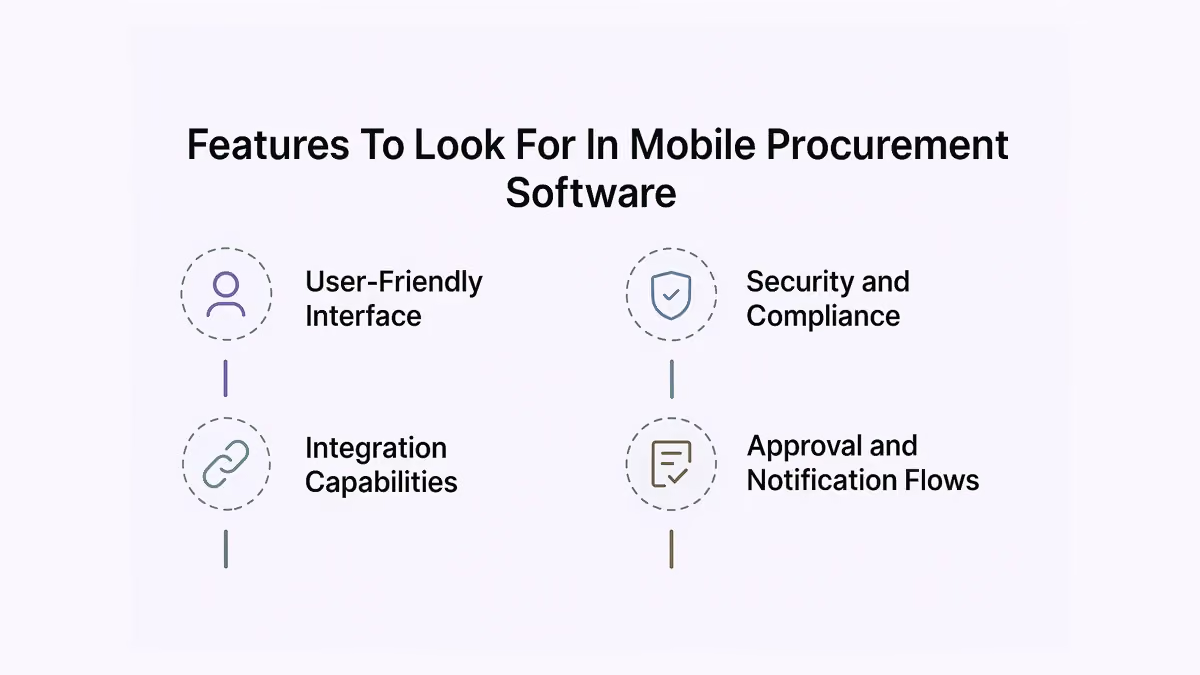
1. User-Friendly Interface
The platform should be intuitive enough for anyone to use without formal training. A clean layout and logical navigation are must-haves for speed and adoption.
2. Integration Capabilities
Seamless integration with ERP, accounting, and communication tools ensures consistent data and fewer manual errors.
3. Security and Compliance
Look for enterprise-grade security with encryption, access controls, and audit trails to stay compliant and protect sensitive procurement data.
4. Approval and Notification Flows
Mobile notifications, real-time alerts, and configurable approval chains are essential to avoid delays and keep everything moving - even on weekends or during travel.
How To Choose The Right Mobile Procurement Software
Finding the right mobile procurement tool starts with understanding your team’s workflow and pain points. Do you need quick approvals? Deeper spend analytics? Or smoother vendor collaboration?
Once that’s clear, shortlist tools that align with your goals. If spend analysis is a priority, ensure the software offers built-in dashboards to track trends and identify savings. Some solutions now incorporate generative AI to surface insights, forecast spending, and automate sourcing recommendations.
Test how responsive the platform is on mobile - are actions like approvals, PO reviews, and vendor communication quick and intuitive?
Also, check pricing models carefully. Some tools charge by user, others by volume or feature tier. Look for transparent pricing that scales with your business. Finally, ensure smooth integration with tools you already use - the best mobile procurement software will fit into your existing stack, not force you to rebuild it.
Implementation And Best Practices
Rolling out a mobile procurement platform is as much about people as it is about software. Start small - pilot the platform with a few teams. Use their feedback to fine-tune workflows and resolve roadblocks before scaling up. Real-time analytics can highlight usage trends and help procurement leads make informed adjustments faster.
Offer simple onboarding with short videos or quick-start guides, tailored to real tasks. Make sure users understand not just how to use the tool, but why it matters.
Track adoption closely. Who’s using it regularly? Where are the drop-offs? With workflow automation in place, teams can avoid bottlenecks and reduce dependency on manual follow-ups. Keep a pulse on performance and be ready to tweak configurations. Procurement isn’t static, and your system shouldn’t be either. The more adaptable your rollout, the better your long-term results.
How Spendflo Helps With Mobile Procurement Optimization
Spendflo brings mobile-first procurement into focus by combining intuitive workflows with deep procurement intelligence. Whether you’re approving a vendor contract from your phone or reviewing software spend from a tablet, Spendflo ensures everything is seamless and secure.
Its mobile experience is built for fast-moving teams - with Slack-based approval flows, contract renewal alerts, and in-app visibility into spend and savings. With a dedicated buying team at your side, you’re not just automating tasks - you’re optimizing every dollar spent. A robust digital procurement platform like Spendflo ensures that both strategy and execution scale efficiently.
Frequently Asked Questions on mobile procurement software
1. What are the main benefits of mobile procurement software?
Mobile procurement software enables faster approvals, better communication, and real-time spend tracking - all from your phone. It helps teams stay agile, reduce delays, and improve visibility across the purchasing process.
2. How does mobile procurement improve decision-making?
By giving stakeholders instant access to purchase data, vendor details, and budget information, mobile procurement tools empower faster and more informed decisions, especially when time is critical.
3. What features are essential in a good mobile procurement tool?
Key features include an intuitive interface, real-time alerts, integration with finance and ERP systems, approval workflows, and strong data security - all optimized for mobile use.
4. Is mobile procurement software secure for enterprise use?
Yes, leading tools offer enterprise-grade security with encryption, role-based access controls, and compliance features to keep sensitive procurement and financial data safe.
5. What role does contract management play in mobile procurement?
Contract management ensures all agreements with suppliers are organized, accessible, and up-to-date. When paired with mobile procurement tools, it helps teams stay compliant and react quickly to changes in supplier terms.
6. How do invoice automation and processing improve procurement efficiency?
Automated invoice processing cuts down manual errors and accelerates payment cycles. Mobile procurement apps with invoice automation streamline approvals, reduce delays, and offer better visibility into spend and expense management.
7. Why is supplier collaboration key to cost control and strategic sourcing?
Strong supplier relationships and collaboration lead to better pricing, faster delivery, and more transparent negotiations. Mobile tools enhance supplier relationship management by enabling continuous communication and real-time performance tracking. They support strategic sourcing decisions and enable better cost control across procurement workflows.


-compressed.avif)













.avif)
.avif)