
.avif)


The Hidden Cost of Complex Workflow Tooling
Most procurement and operations teams have gotten good at the front end of the process. Requests come in. Stakeholders get notified. Approvals move along - right up until someone needs to make a change to the workflow itself.
That’s where things slow down.
Two realities. One broken setup.
Workflow administrators know what needs to change.
A new approval step after security review.
A condition that routes high-value purchases to finance.
A checklist on a task that’s been getting missed.
The intent is always clear.
But acting on it means navigating layers of configuration screens, understanding the data model well enough to not break anything, and often waiting for engineering support for changes that are fundamentally operational.
The result? Workflows fall behind the process they’re supposed to represent. Small backlogs compound. Teams route around the tool instead of through it.
It’s not a people problem. It’s a gap between what teams need to do and what the tooling makes easy.
Introducing the Conversational Workflow Builder - Flash AI: Workflows Designed Through Chat
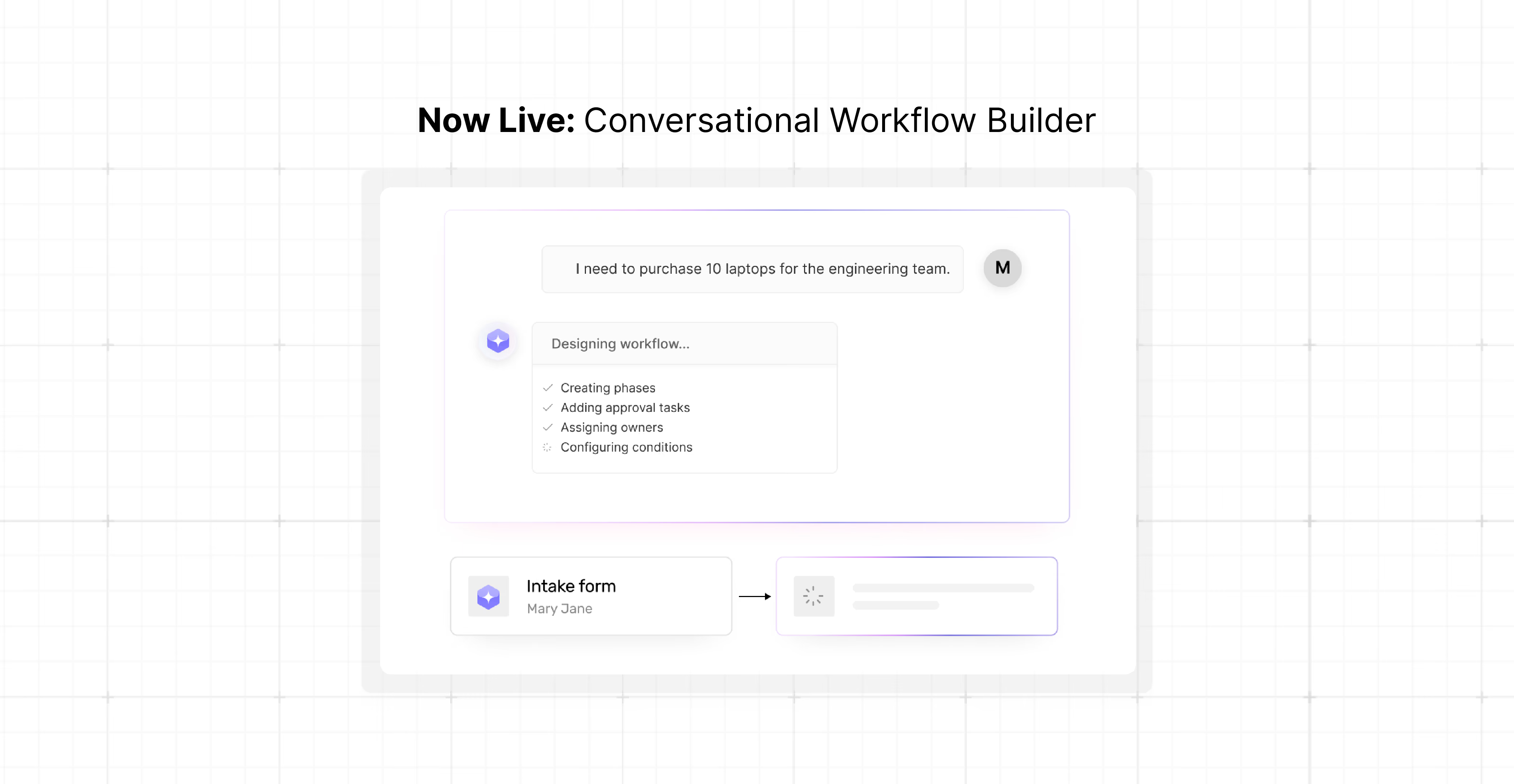
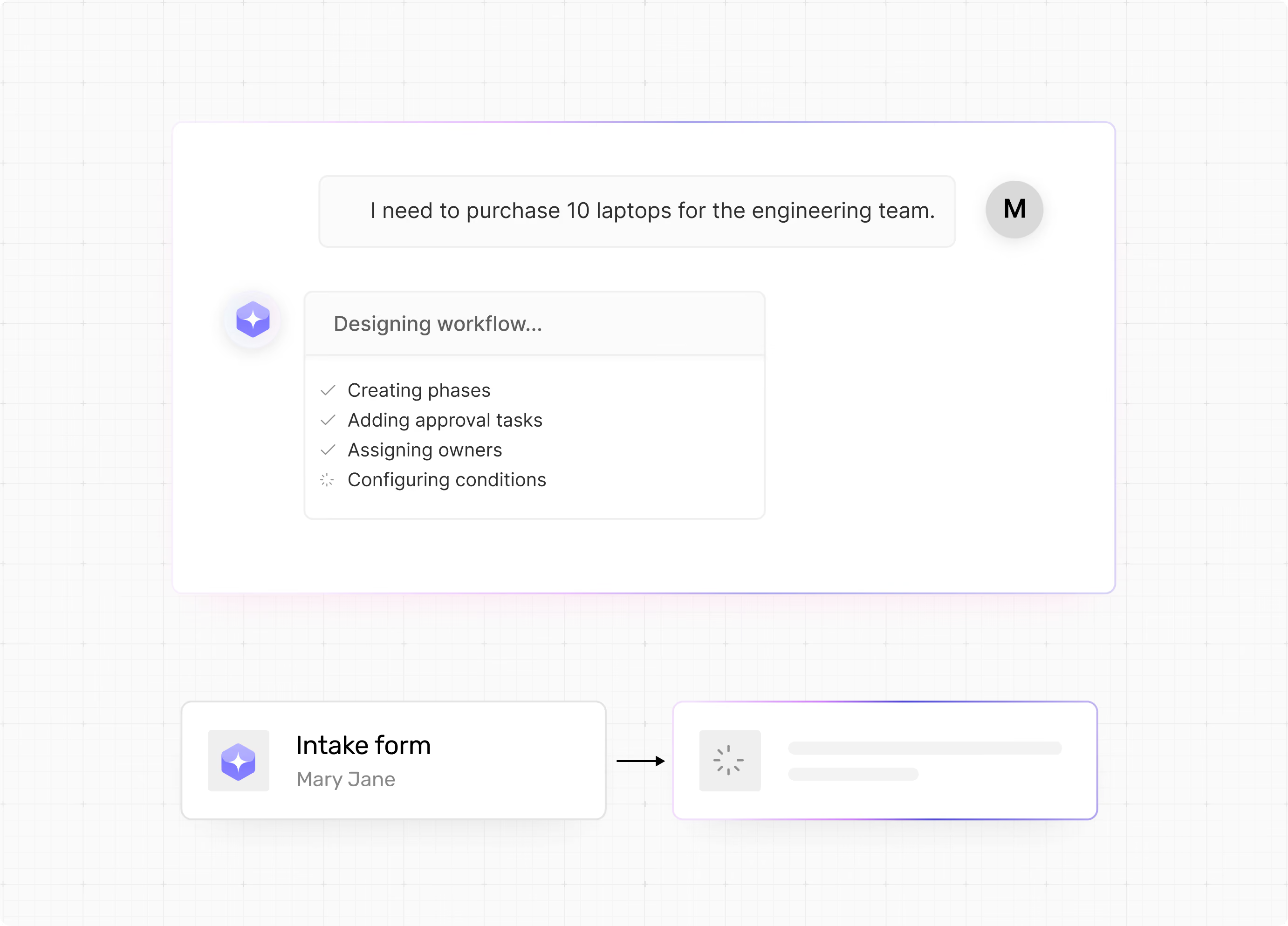
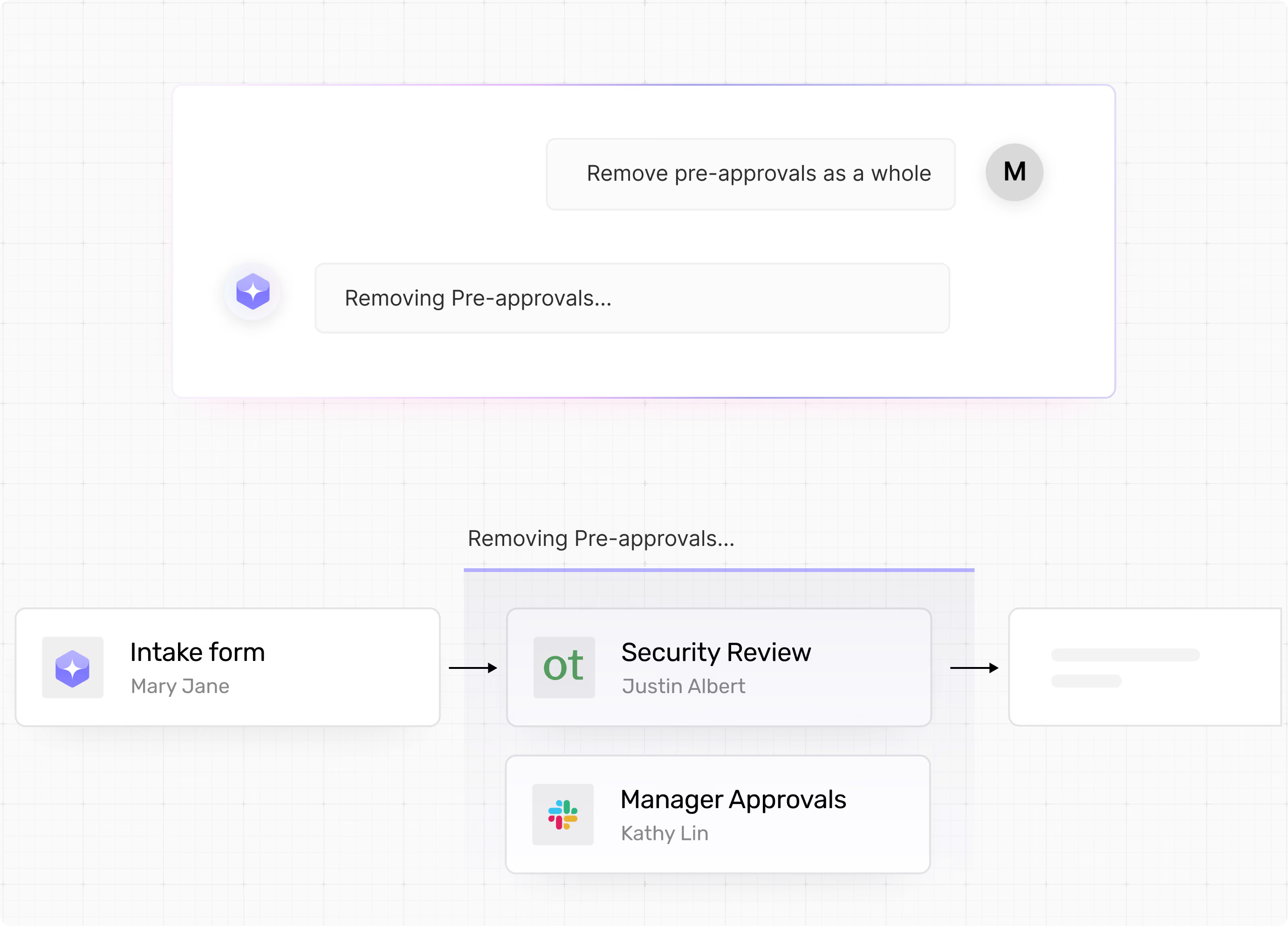
The Conversational Workflow Builder is a chat-based assistant embedded directly in Workflow Studio. Describe what you want in plain language — and Flash AI builds it, edits it, and connects it on the canvas immediately. What used to take hours of configuration, back-and-forth with engineering, and careful manual wiring now takes minutes.
No configuration screens. No manual wiring. No engineering ticket.
What this means for you
Workflow administrators can now create and edit workflows through conversation. The assistant handles structure, validation, and logic automatically.
Chat-Driven Editing
Add phases, rename tasks, restructure flows, or update conditions directly through natural language instructions.
Real-Time Canvas Updates
Every change is reflected on the Workflow Studio canvas the moment it’s applied - no save-and-refresh required.
Automatic Validation
The assistant enforces workflow structure rules, validates owners, and ensures conditions reference the right fields — without you having to know the rules.
Thought Process Visibility
A real-time log shows how the assistant is parsing your request, what it’s updating, and what it’s validating. Nothing happens silently.
Scoped and Safe
The assistant works only within Workflow Studio, protects mandatory nodes, and tells you clearly when a request falls outside its scope.
Core capabilities that close the workflow-editing gap
Design Workflows Without the Complexity
Add, rename, remove, and reorder phases and tasks through conversation.
Need to restructure a workflow that has grown over time? Describe the target state and the assistant handles the arrangement - keeping the internal logic intact throughout.
Move phases, insert new approval steps, or rearrange tasks without touching a single configuration screen.
Configure Tasks, Owners, and SLAs Instantly
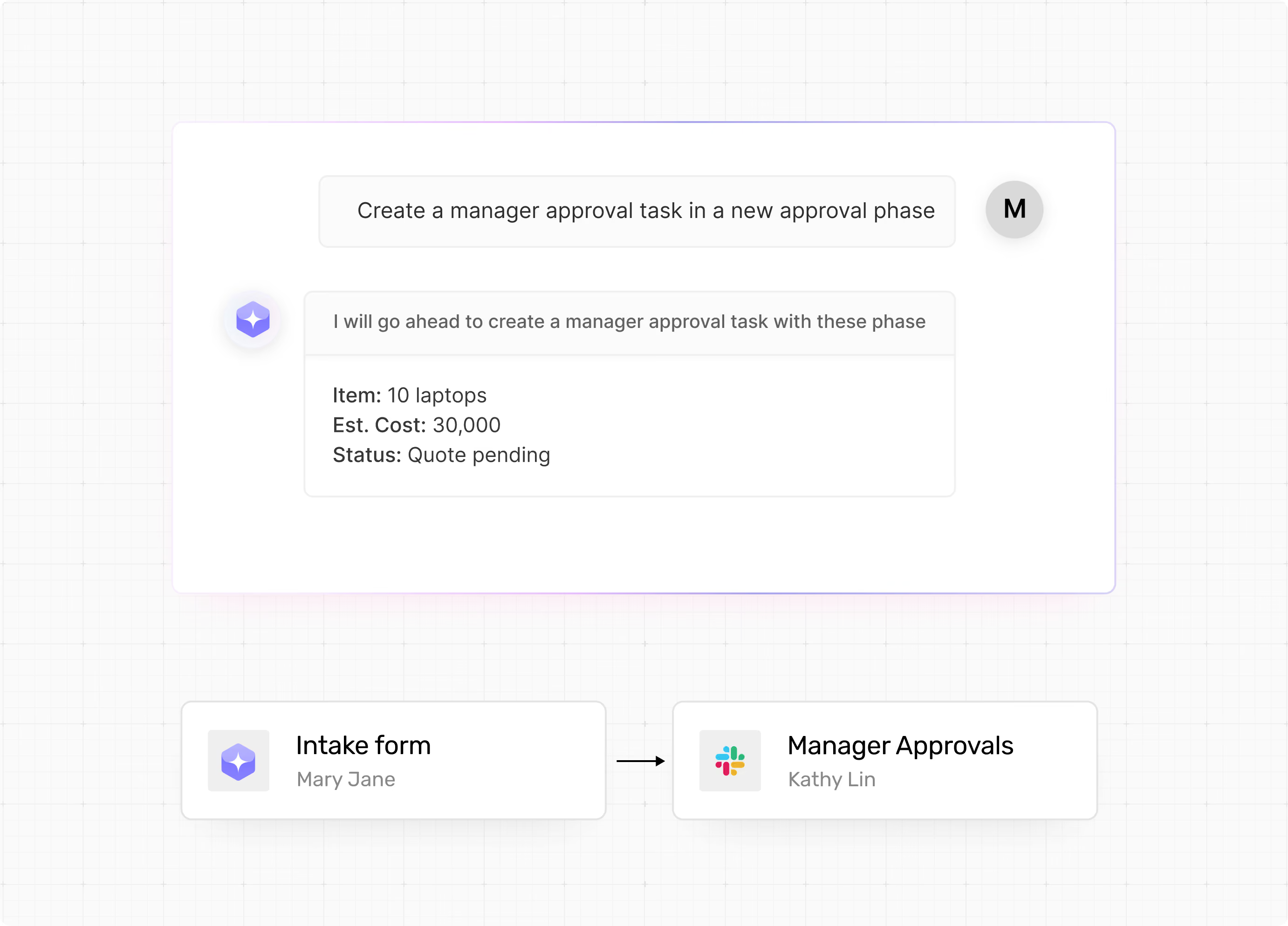
Every task configuration option is accessible through chat:
- Task type (Approval or Completion)
- Name
- Description
- Owner assignment
- Due dates
The assistant validates owner assignments automatically. If a user, group, or role can’t be matched, it defaults to the Requester role rather than leaving the field blank or creating a broken state.
Build Forms and Checklists Through Conversation
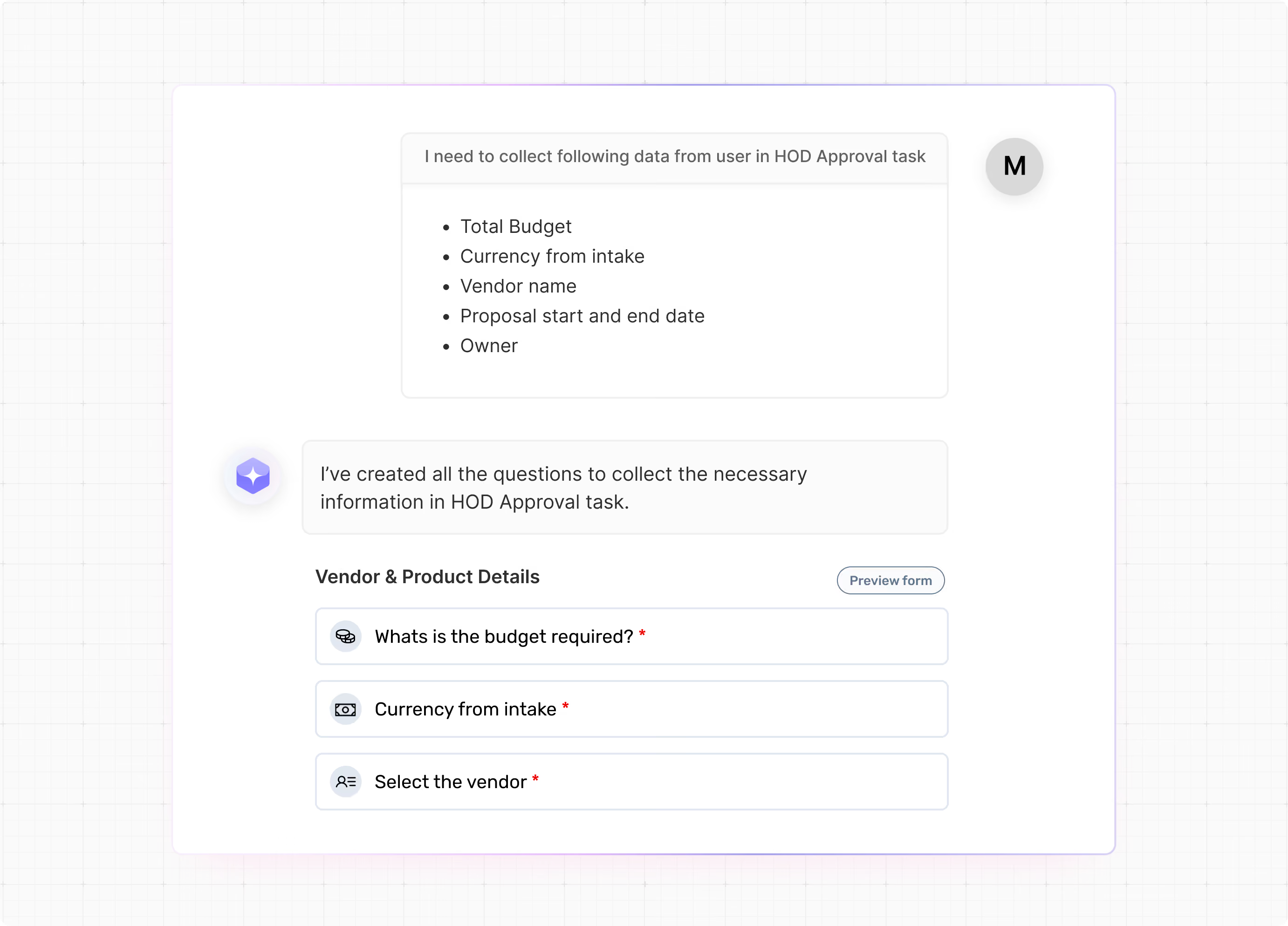
The form builder is fully accessible through the chat interface.
You can:
- Add, edit, or remove fields of any supported type
- Set field order
- Group fields into sections
- Attach checklists to tasks
The assistant updates form structure in real time and keeps the surrounding workflow logic consistent.
A single instruction like:
“Add a checklist to Security Review with: Data encrypted, Access reviewed, and Compliance approved.” is enough.
Create Intelligent Workflow Conditions
Conditions are where workflow tools typically lose people.
With the Conversational Workflow Builder, you simply describe the routing logic in plain language.
Flash AI then:
- Maps the field
- Identifies its source task
- Validates the operator
- Wires up the YES and NO paths
Conditions can reference:
- Dropdown fields
- Currency fields
- Date fields
- Number fields
from tasks that appear earlier in the workflow.
If you reference a field that doesn’t exist yet, Flash AI creates it in the first input task automatically, ensuring the condition remains valid without manual cleanup.
Product Perspective
“Workflows should reflect how your team actually works — not the other way around.
The Conversational Workflow Builder makes it easy for administrators to keep workflows up to date, accurate, and connected to the process, without depending on engineering for every change.”
— Product Team, Spendflo
Real business outcomes
Faster Workflow Changes
Eliminate days of back-and-forth on configuration by describing changes in plain language and seeing them applied instantly.
Zero Broken States
Automatic validation, owner fallbacks, and structural guardrails ensure the workflow remains valid after every edit.
Reduced Engineering Dependency
Workflow administrators can own their workflows end-to-end — without needing technical support for operational changes.
Consistent Workflow Logic
Conditions always reference valid, in-scope fields. Form changes never break the surrounding flow. The canvas stays accurate.
Faster Onboarding
New administrators can build and edit workflows from day one without needing to learn the underlying data model.
Start Building Through Chat –Today
The Conversational Workflow Builder is available in Workflow Studio now.
Open a workflow draft, toggle the Flash AI panel, and describe what you need. The canvas updates in real time.
If you’ve been putting off a workflow update because it felt like too much work this is a good time to revisit it.
Learn more about Spendflo's Conversational Workflow Builder or book a demo to see it in action.


-compressed.avif)











.avif)
.avif)