Purchase Request & Approval Agent
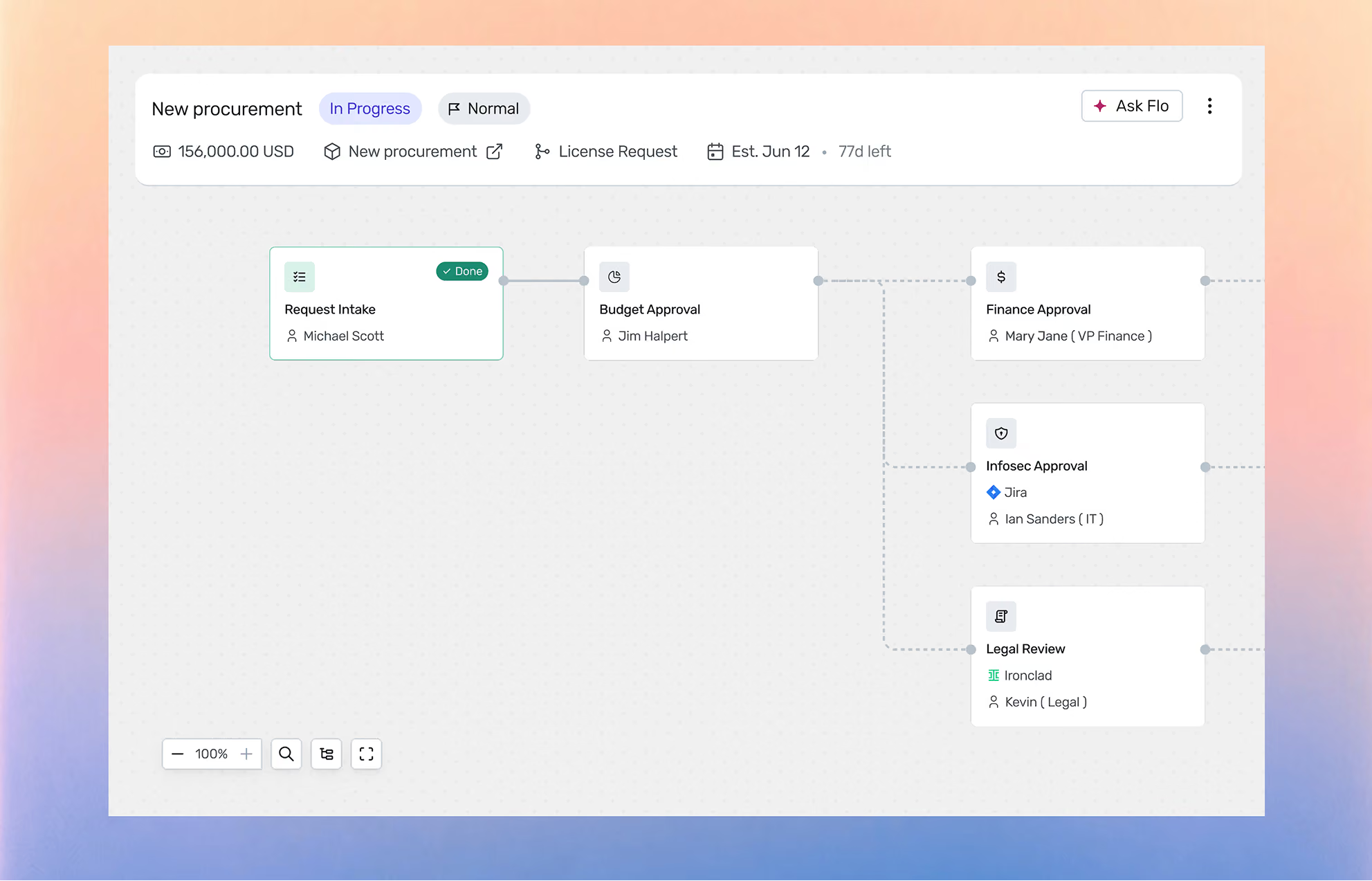
Intake only works when employees actually use it, and they use it when a request moves without chasing. Purchase requests follow a predictable path: classify the spend, check budget and policy, route for approval, raise the PO.
Flo reads the request in Slack, the requester's cost center budget and GL in NetSuite, your policy and approval thresholds in the Context Library, and any existing contract for the same spend. It classifies the request, validates it against policy, drafts the right approval chain, and routes it to the people who decide.
Flo recommends and routes. Your team approves. Standard requests clear without procurement touching them. Anything over threshold or outside policy escalates to a named owner with full context, so the team spends its time on sourcing, not chasing.

Testimonials

“Finance queries Flo AI and surfaces exactly what they need for reforecast: which renewals are approaching, what savings are in play, when contracts are closing. Live insights, on demand no back-and-forth, no delays”

Toral Patel,
VP Accounting

“With Spendflo, we finally have unified visibility. We can look in one portal and see all our spend, upcoming renewals, and how we’re actually using the licenses we’re paying for.“

Josh Rappoport,
VP Finance

“Spendflo AI triages intake and guides them through the right workflows. Centralize contracts, approvals, vendor data, and docs in one place. AI tracks usage, sentiment, and timelines automatically.”

Scott Stibich,
Senior Accountant.
AI-driven procurement that adds value every moment.
Not just software. Not another dashboard. AI agents running procurement end-to-end while you focus on what actually matters.





